
A smoother stay, from their own phone.
Guests check in before they arrive, scan the QR in their room, order food from the menu standee and hear from you at the right moment. No app to download, and every detail lands in the booking.

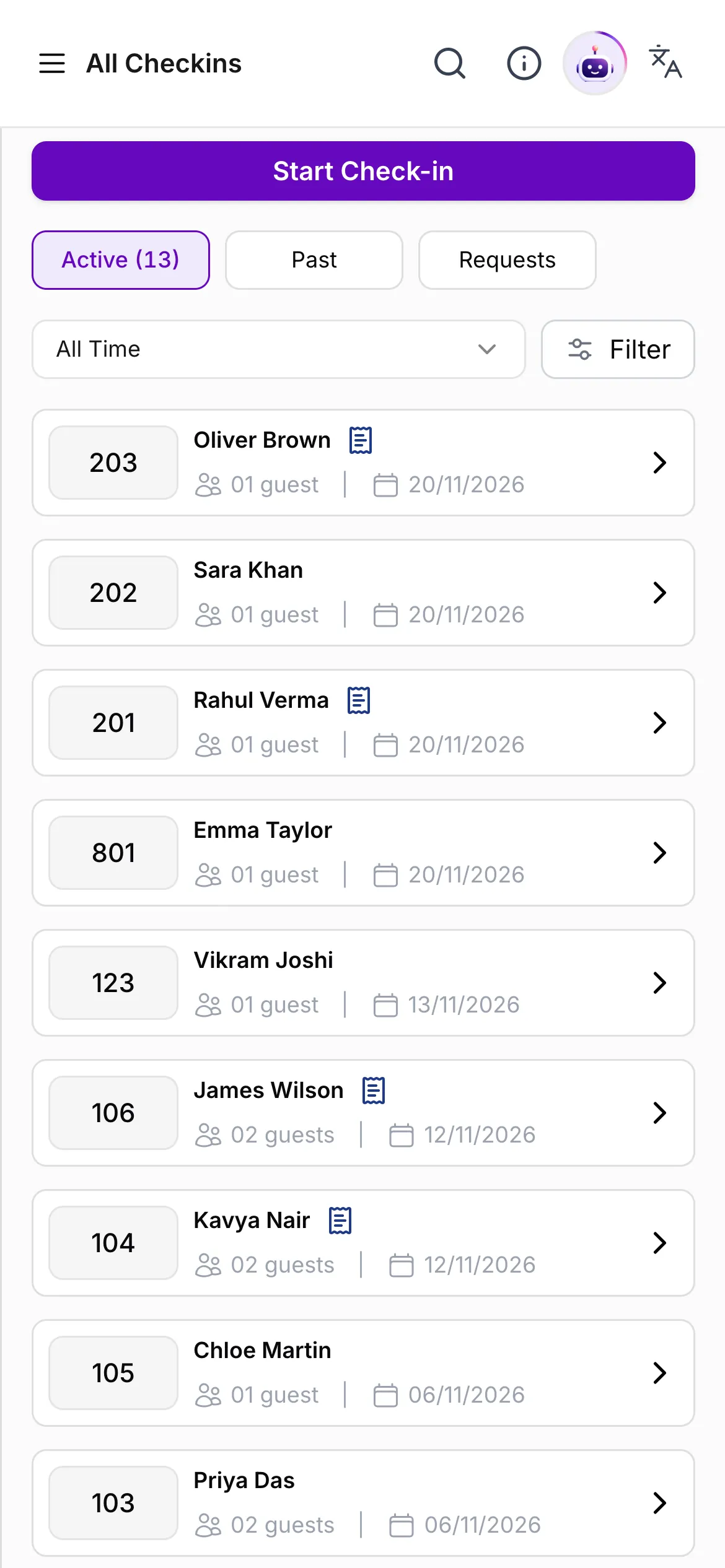
What Guest app changes.
Typical results across properties on DigiStay. Every property is different.
Guest app, step by step.
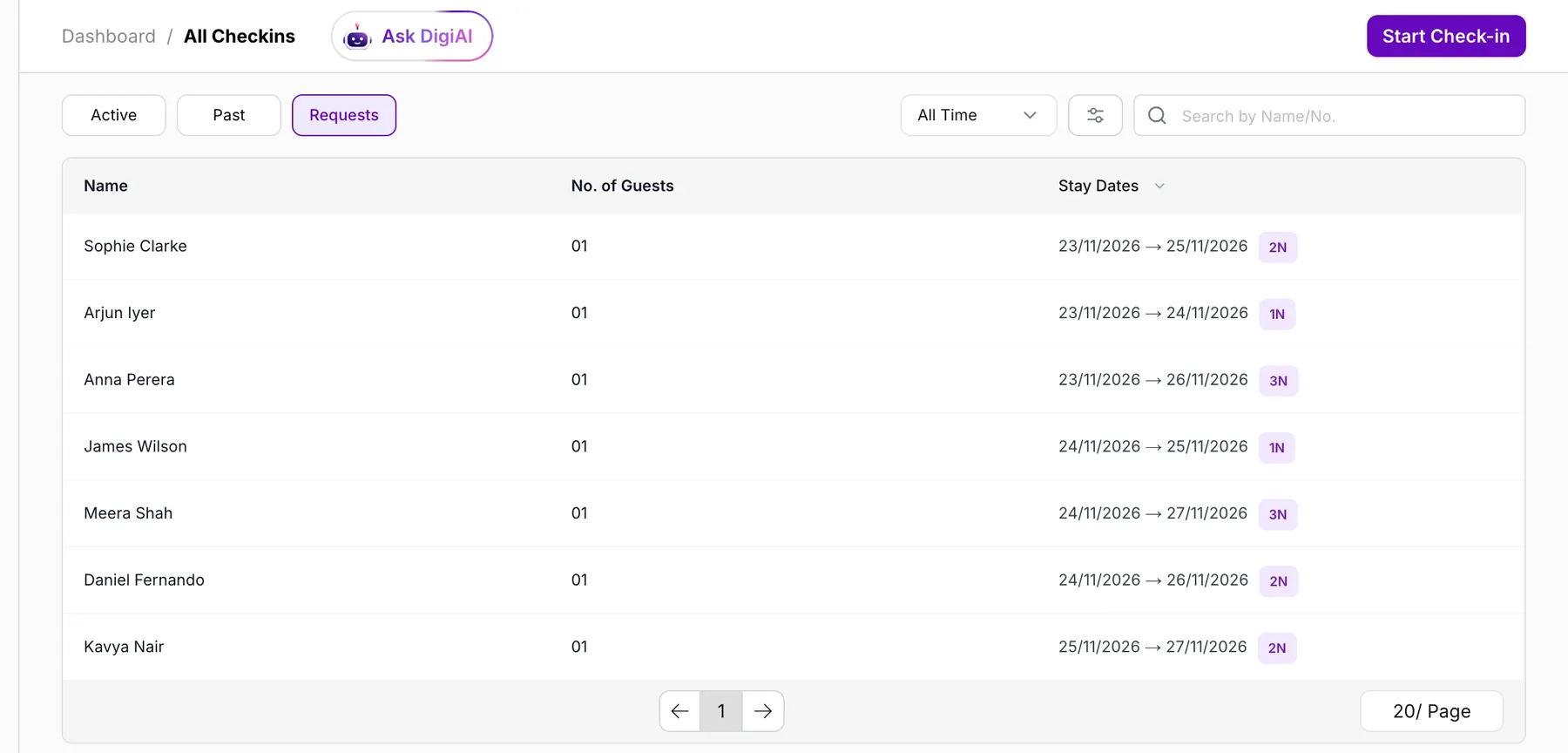
Check-in link on their phone
When you create the booking, the guest gets the check-in link on their phone. A payment link can go with it if you choose.
- Sent automatically on booking
- Payment link optional
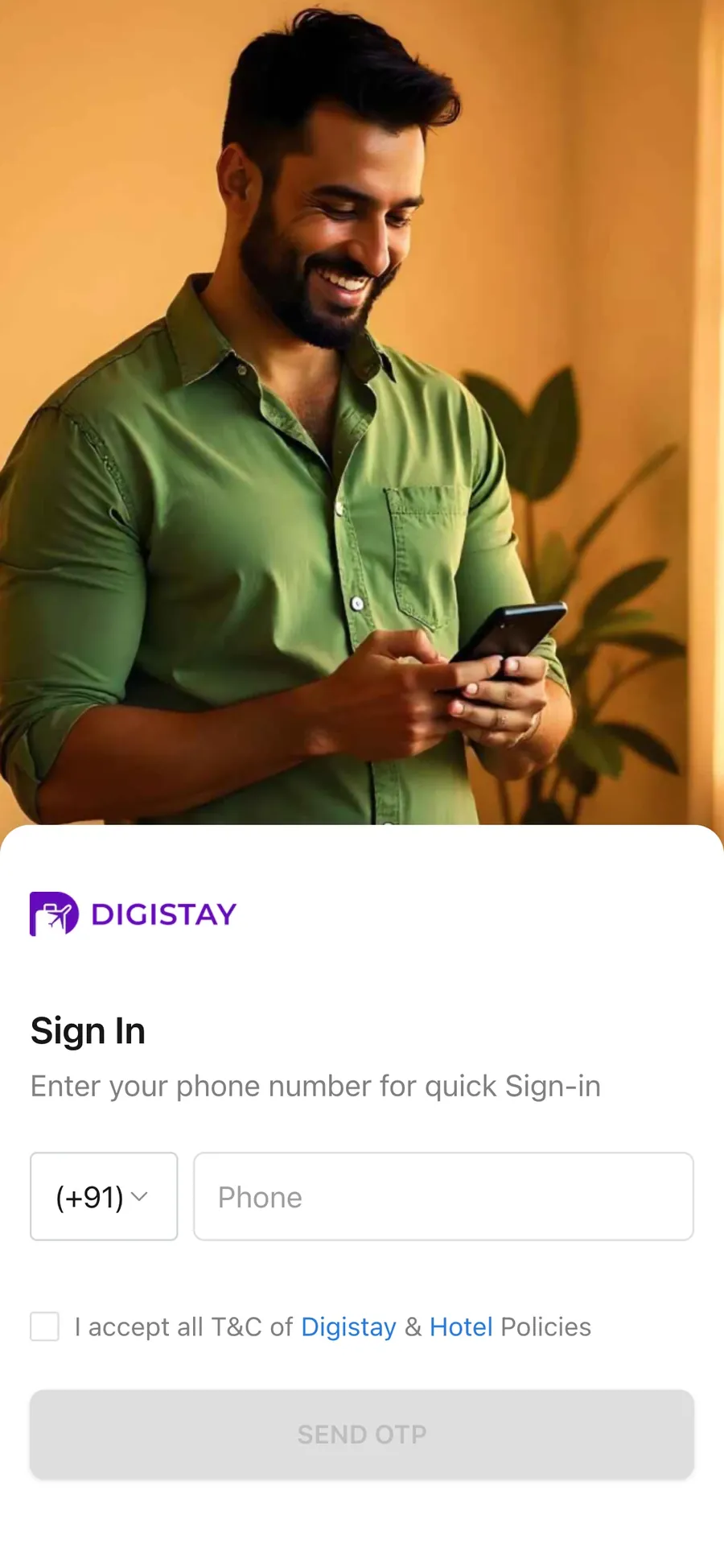
Details and ID before they arrive
Guests add their details and upload their ID from the link. There is no payment step inside check-in, so it takes a minute.
- Details and ID upload
- No payment step
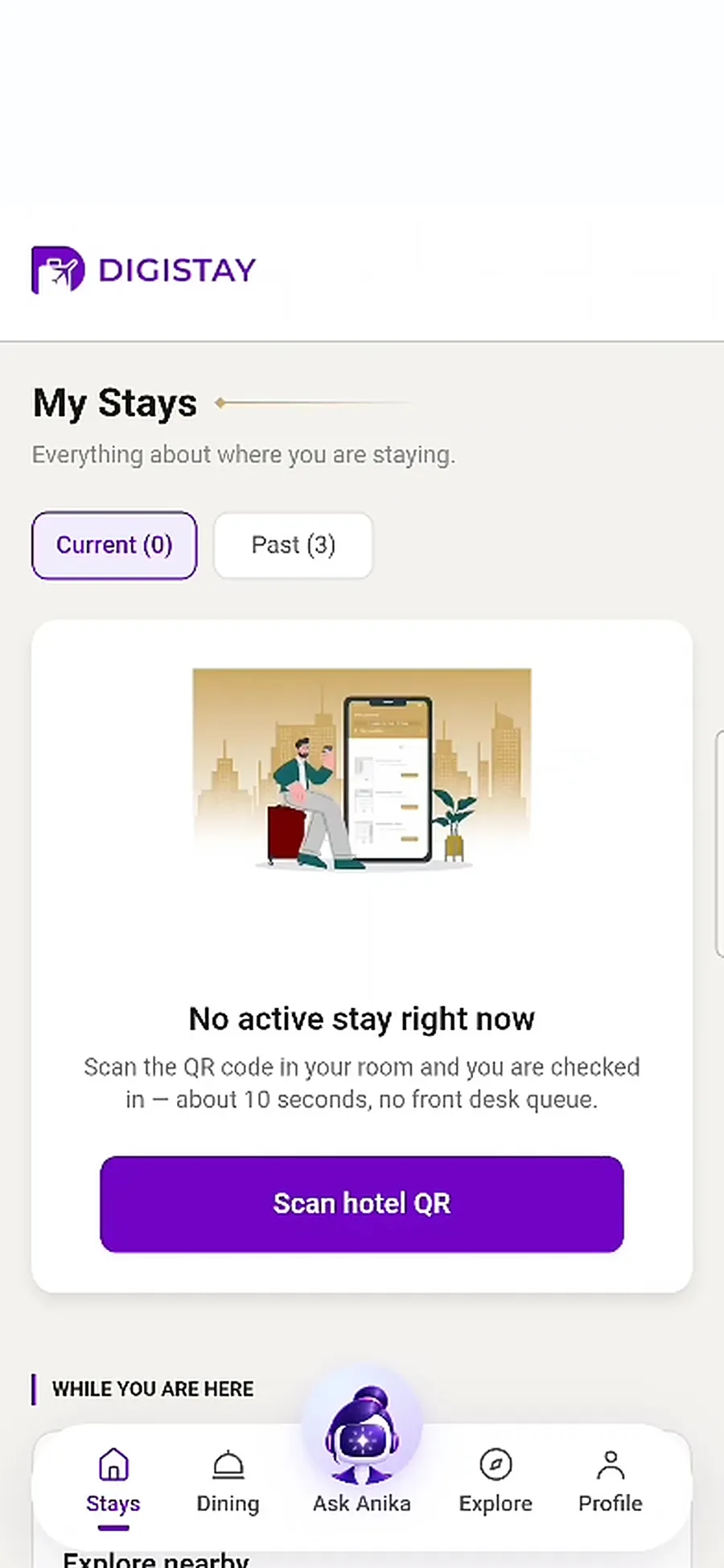
Returning guests, already filled in
A returning guest’s details and ID are already with you, so they are shared automatically and the form is filled in.
- Details remembered
- ID shared automatically
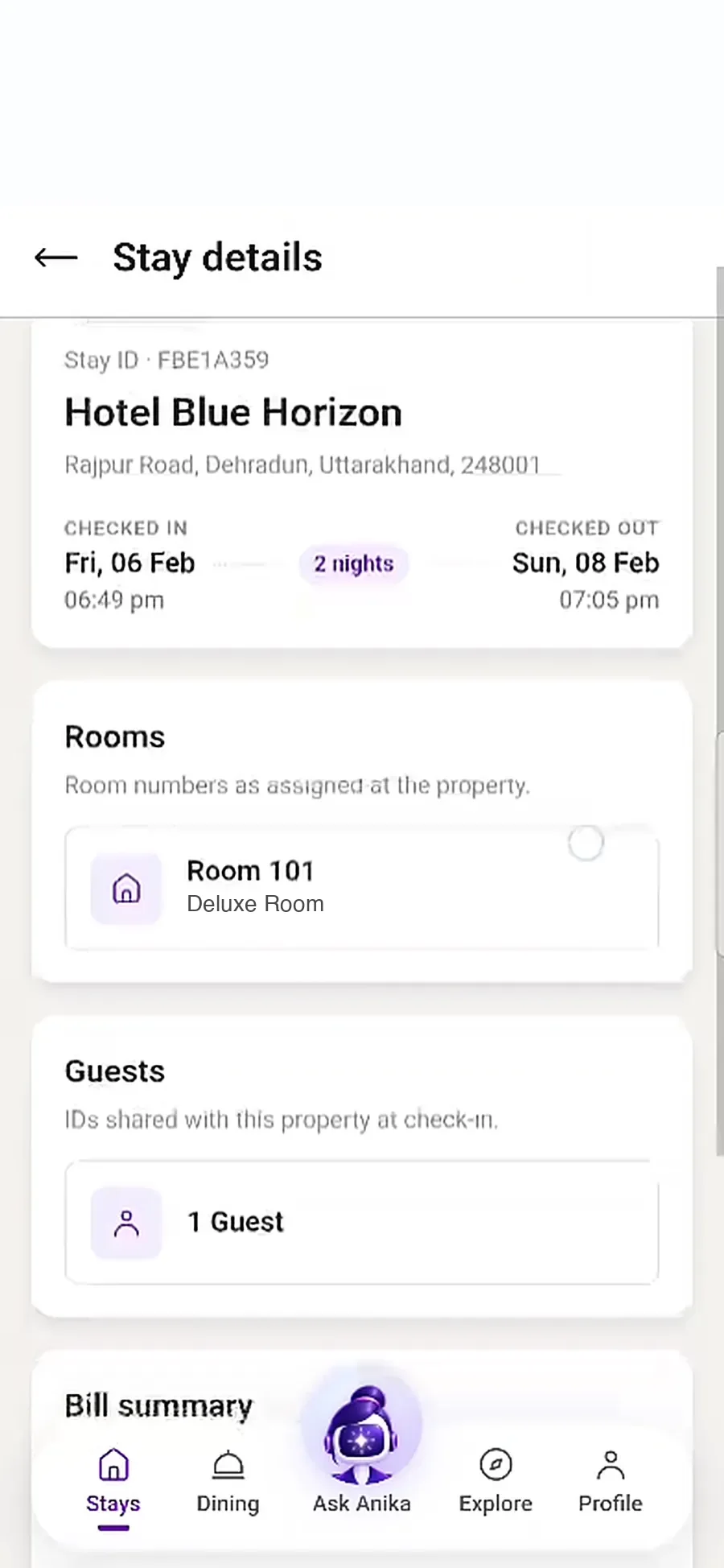
Scan the room QR, checked in
A guest who arrives without checking in scans the QR in their room and is checked in automatically, with no staff needed.
- No queue at the desk
- Checked in from the room
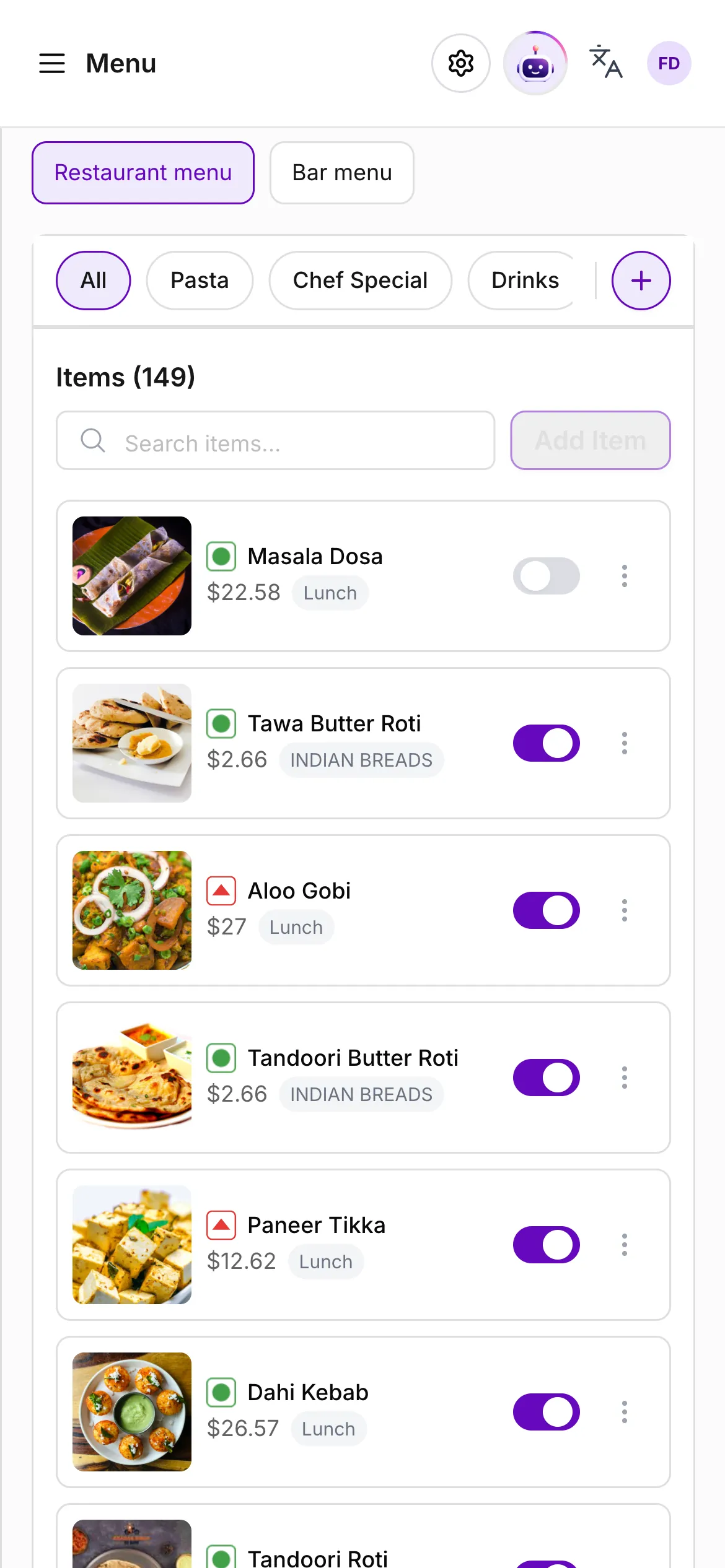
Order food from the QR in the room
Guests scan the QR standee in their room, open your menu and order. The order reaches the kitchen and lands on their room bill, with nobody on the phone.
- Scan, choose, order
- Straight to the kitchen and the room bill
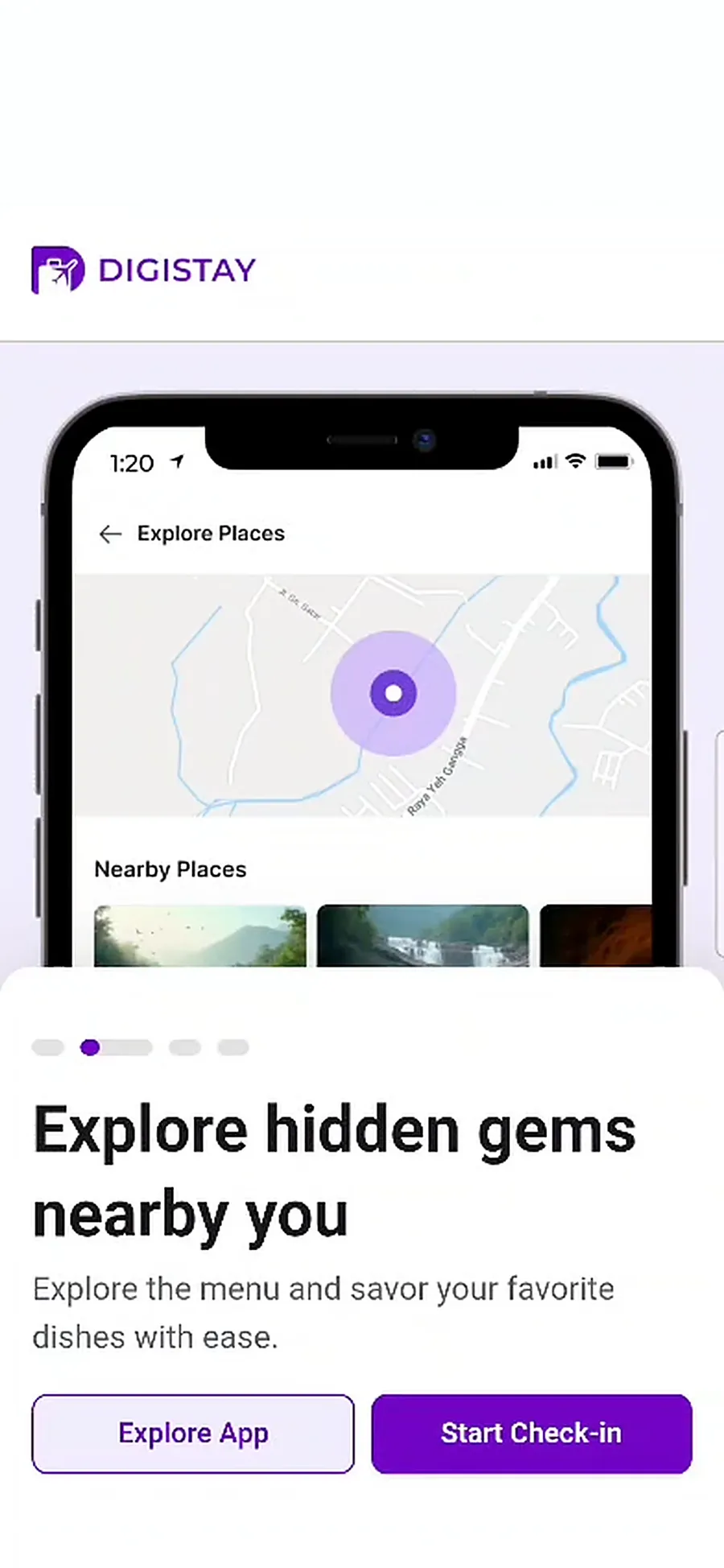
Messages sent at the right moment
Booking confirmations, check-in links, payment links and review requests go out on WhatsApp on their own. Turn each one on or off.
- Sent on booking, arrival and checkout
- Each message on or off
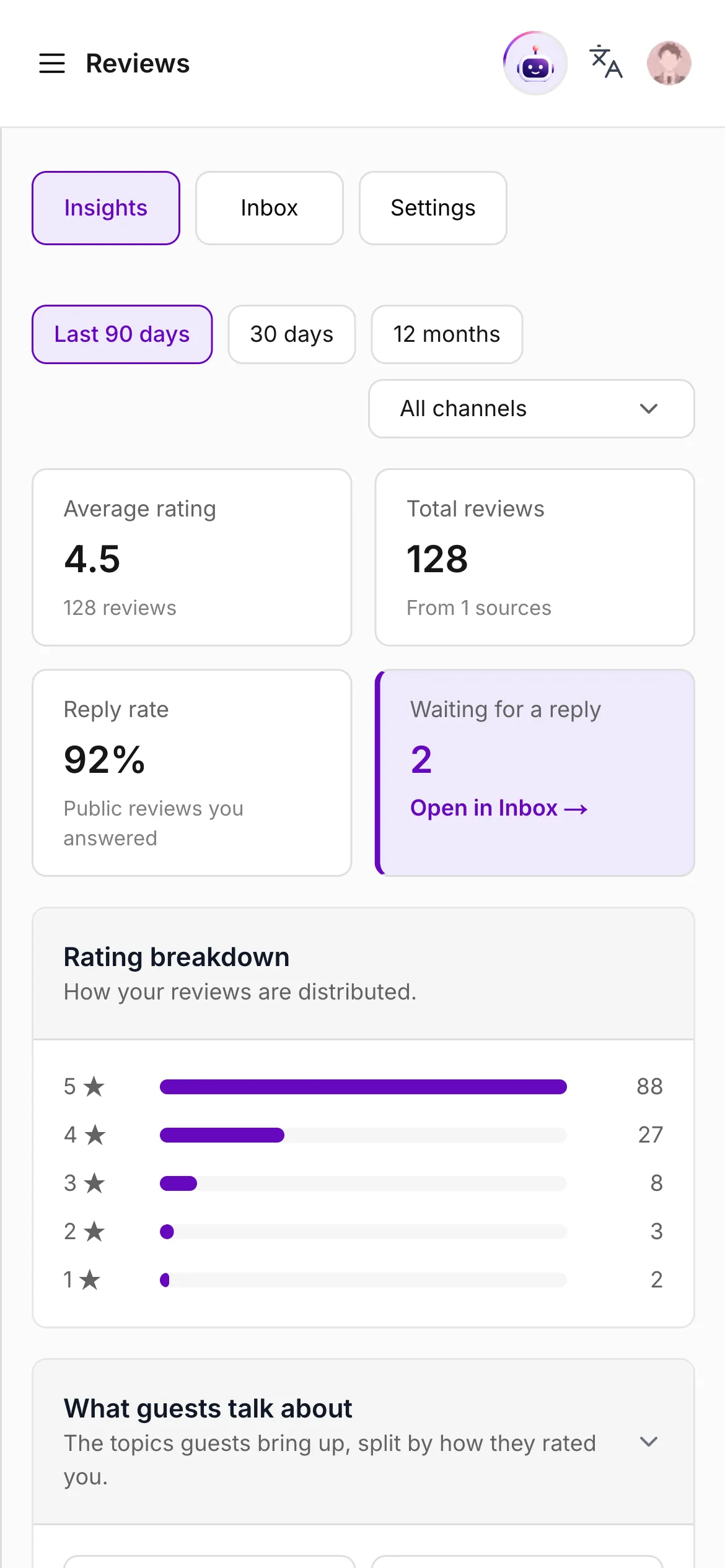
Asked for a review at checkout
After checkout, guests are asked on WhatsApp to rate their stay. Happy guests are invited to leave a Google review, and lower ratings come to you privately.
- Rating request on WhatsApp
- Happy guests sent to Google
Pairs well with Guest app.
Questions about Guest app.
Do guests need to download an app?
No. Check-in, the room QR and the menu open in the phone’s browser.
When does the guest get the check-in link?
Automatically, the moment the booking is created. You can send a payment link with it if you like.
What if a guest arrives without checking in?
They scan the QR in their room and are checked in automatically, with no staff needed.
Where do food orders from the room QR go?
Straight to the kitchen, and the order is added to the guest’s room bill.
Can I choose which messages guests get?
Yes. Each automatic message, from confirmation to the review request, can be turned on or off.
See guest app on your own property.
A short call, with your own rooms and rates.