
Every guest conversation, in one inbox.
WhatsApp chats, booking-site messages and AI receptionist handoffs all land in one communication hub, with the booking right beside the chat. Confirmations, check-in links, payment links and review requests go out on their own, in your words.

Guest Do you have a room this Saturday?
Anika Yes, a Deluxe room with breakfast is $120 a night. Shall I hold it?
Guest Yes please, for two nights.
What Guest messaging changes.
Typical results across properties on DigiStay. Every property is different.
Guest messaging, step by step.
Every conversation, in one inbox
WhatsApp chats, booking-site messages and handoffs from the AI receptionist all arrive in the same communication hub, grouped by the guest's stay.
- WhatsApp and booking-site messages together
- Grouped by the guest's stay
The booking, right beside the chat
Open a conversation and the guest's room, dates and balance sit right beside it, so you reply without switching screens.
- Room, dates and balance alongside the chat
- No switching screens to check the booking
Messages sent at the right moment
Booking confirmation, the check-in link, a payment link, welcome and Wi-Fi details and the review request each go out on their own, at the moment you choose.
- Sent automatically at booking, before arrival and at checkout
- One template for each moment
Your words, your language
Edit the wording of any automatic message in your own language, and send a sample to WhatsApp to see exactly what the guest will get.
- Edit any template
- Send a WhatsApp sample before you switch it on
Turn any message on or off
Switch any automatic message on or off on its own, so you send only the ones you want, nothing more.
- Each message switched on or off independently
- Nothing sent you did not choose
When DigiAI needs a person
The AI receptionist answers first. When a guest needs something only a person can decide, the chat hands over to your team and lands in the hub.
- AI answers first
- Handoff lands in the same inbox
Reply from any device
The same inbox and the same conversation open on the desk or on a phone, so a reply never waits for someone to be at the desk.
- Same inbox on desk and phone
- Nothing lost switching devices
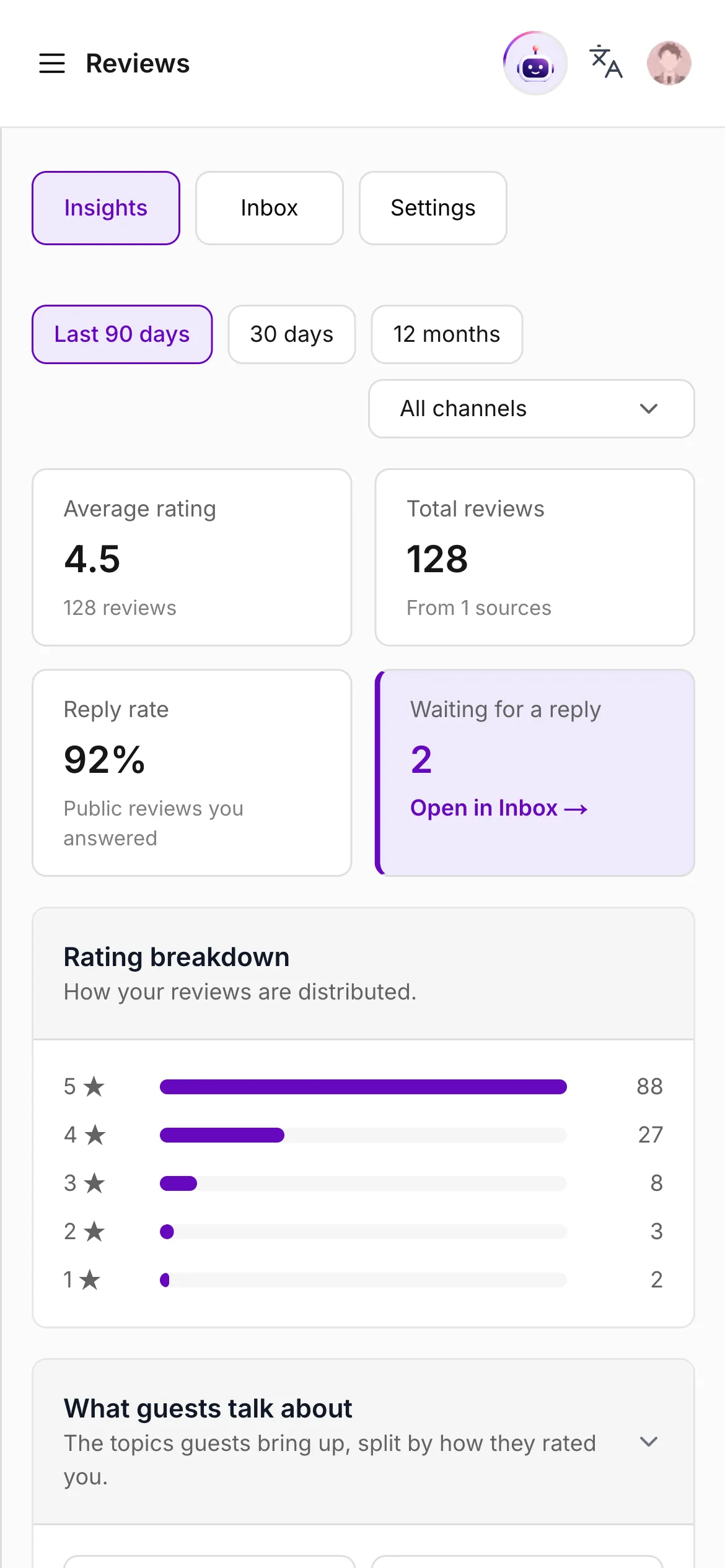
Pairs well with Guest messaging.
Questions about Guest messaging.
Which conversations land in the hub?
WhatsApp chats, booking-site messages and conversations the AI receptionist hands over all arrive in the same communication hub.
Can I change what the automatic messages say?
Yes. Edit the wording of any message in your own language, and send a WhatsApp sample to check it before you switch it on.
Which messages are sent automatically?
Booking confirmation, the check-in link, a payment link, welcome and Wi-Fi details and the review request, each at its own moment.
Can I turn an automatic message off?
Yes. Each one switches on or off on its own, so you choose exactly which messages go out.
What happens when the AI receptionist cannot help a guest?
The conversation hands over to your team and lands in the same communication hub, with the chat so far.
See guest messaging on your own property.
A short call, with your own rooms and rates.