
Hotel front desk software
The whole front desk, on one screen.
See every room live, put each arrival in a ready room, move guests and settle the bill at checkout. The desk and your phone show the same record, live.
Used by 1000+ properties
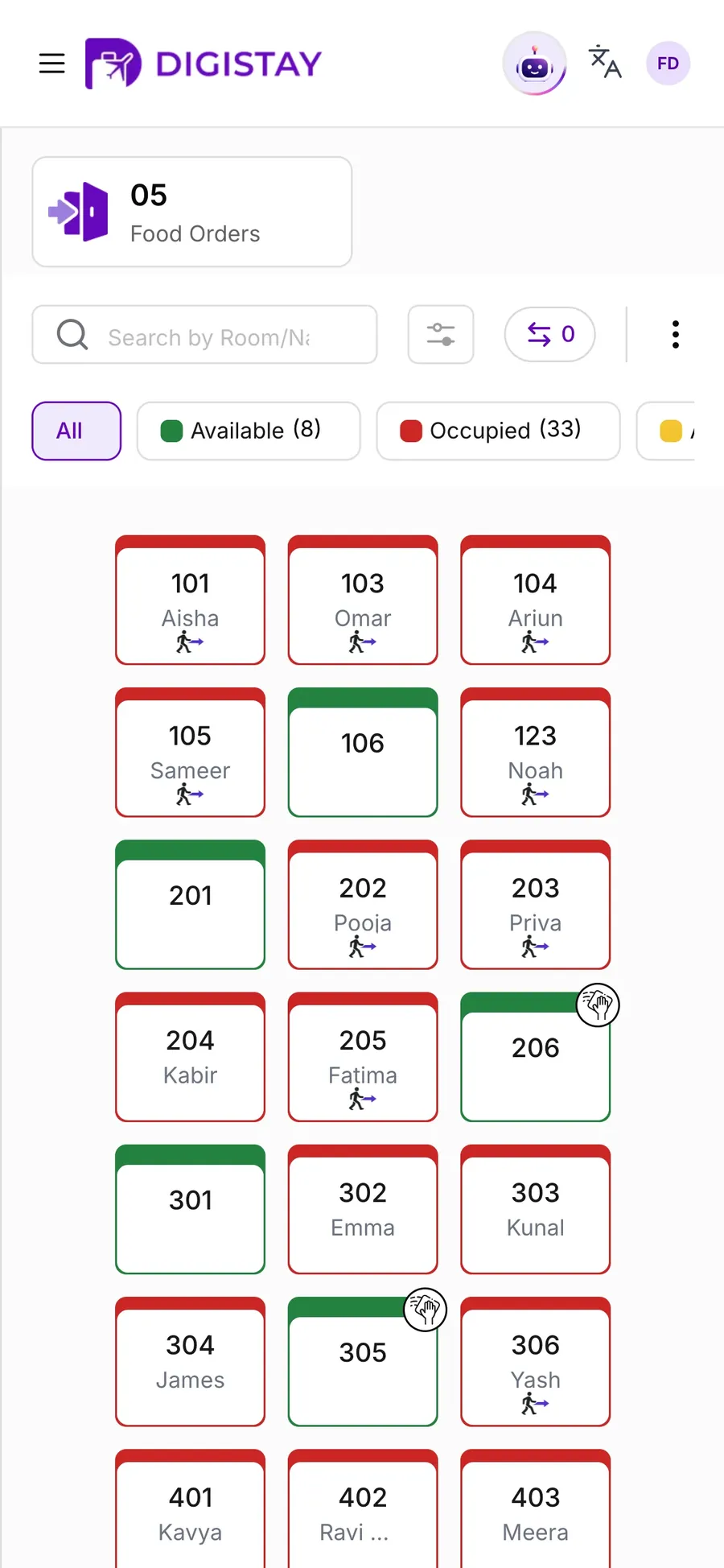
Rooms, guests and bills on one record.
From arrival to a settled bill.
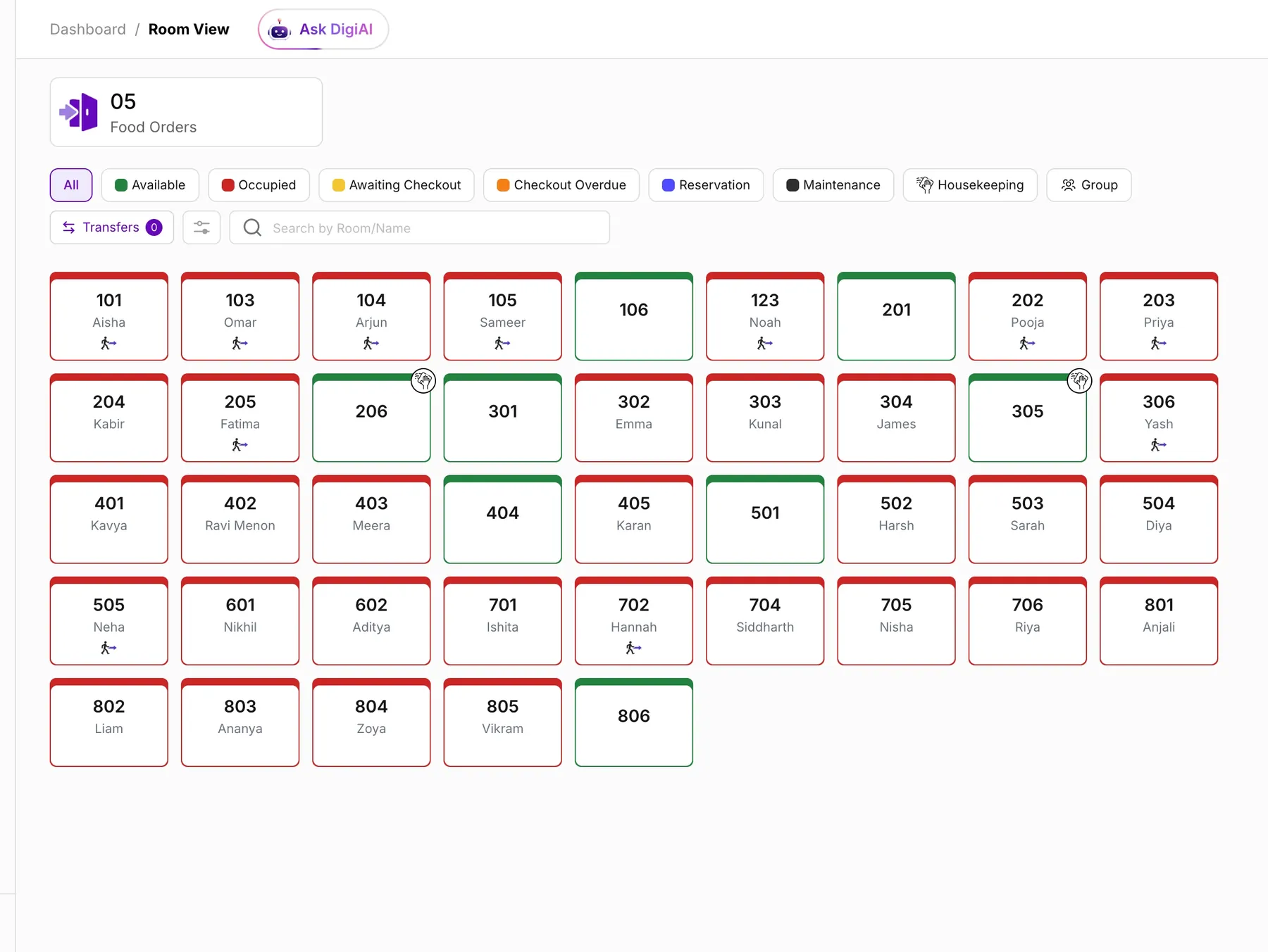
Every room at a glance
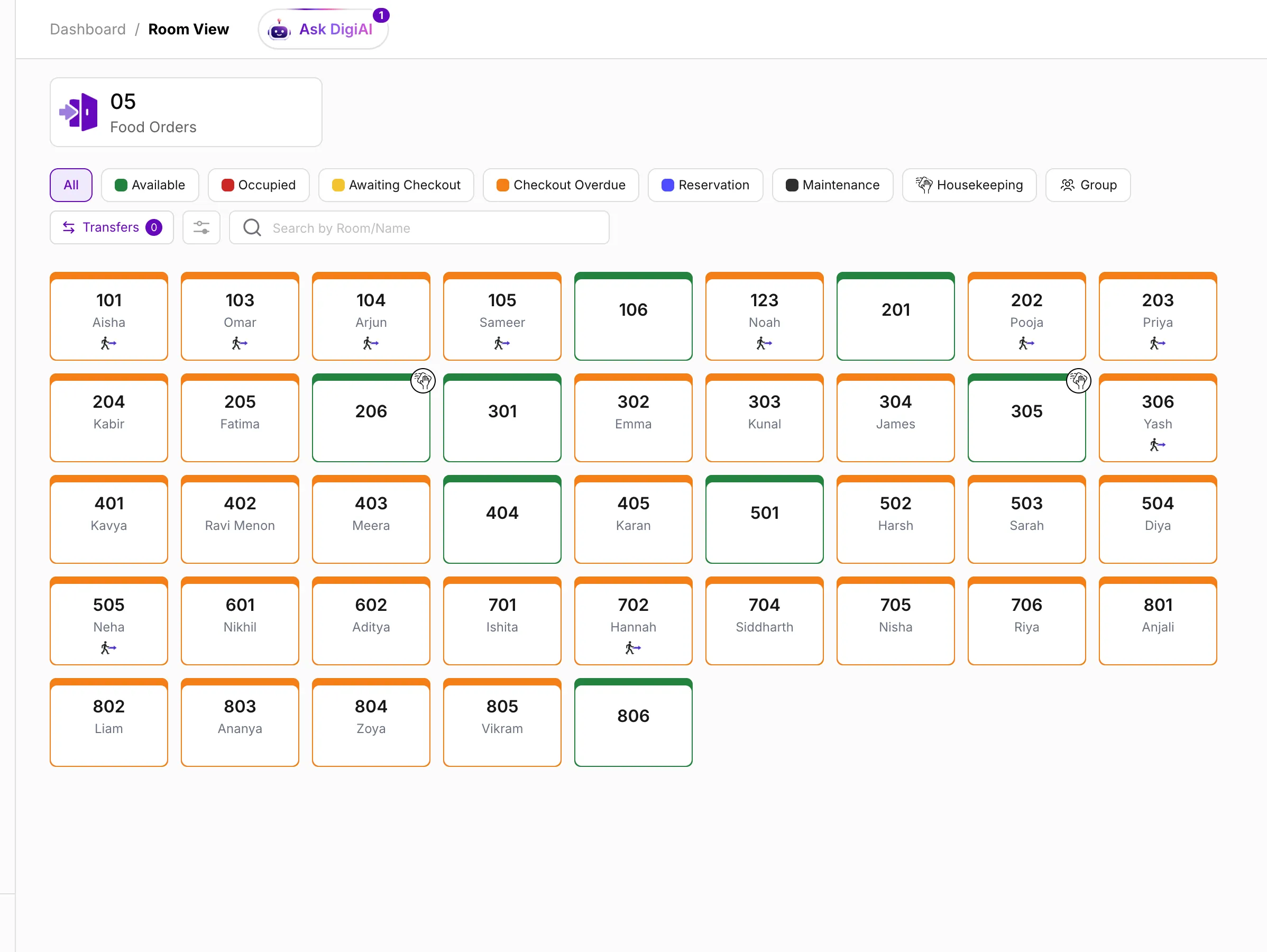
Room view shows the live status of every room: free, occupied, due out, reserved or under maintenance. Tap a status and the desk sees exactly what to sell and what to clean.
- Live status on every room
- Filter by status in one tap
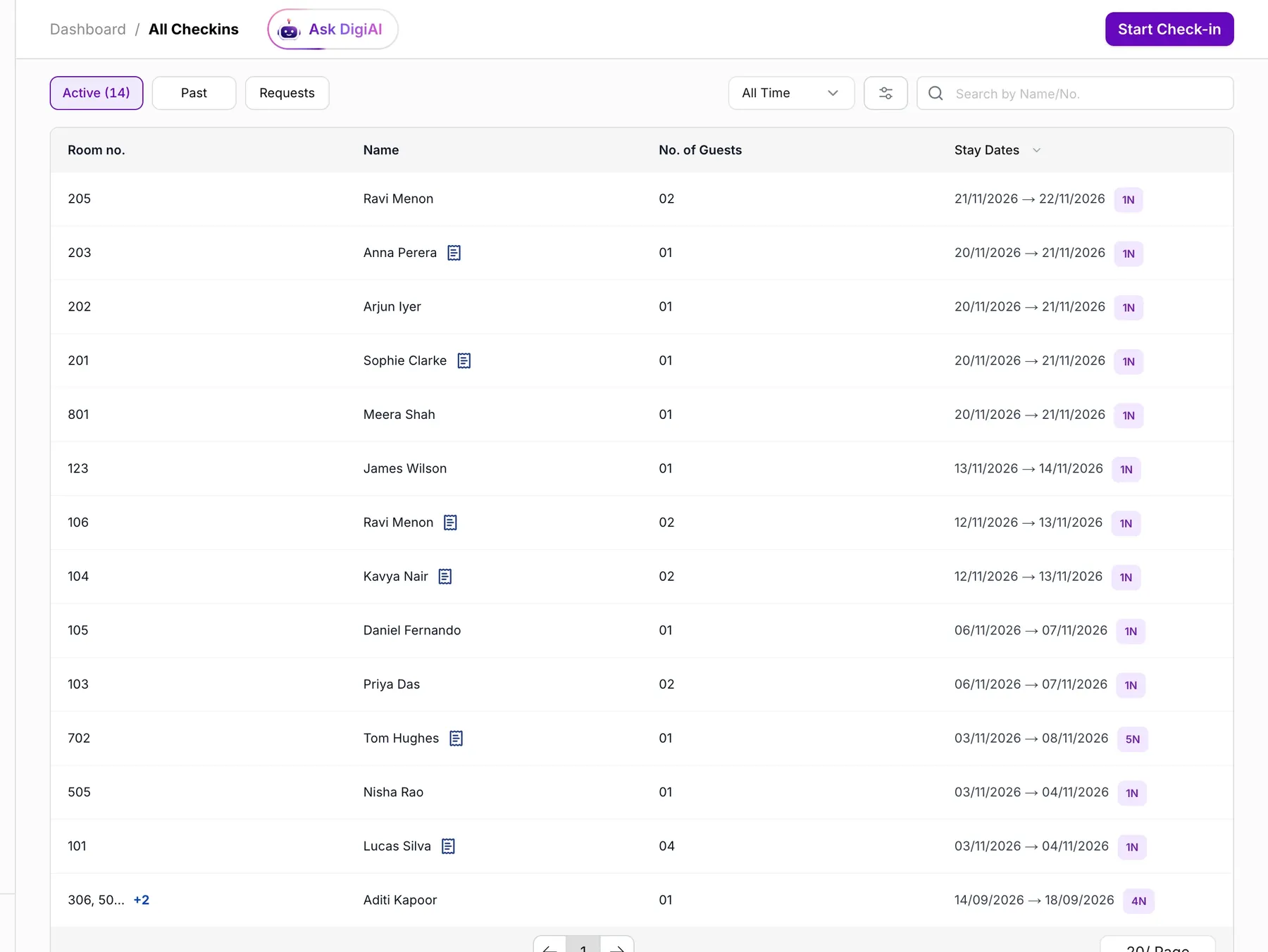
Today’s arrivals and departures
Everyone arriving or leaving today sits in one list. Check a guest in straight from the booking, with nothing typed twice, and see who is due out next.
- Arriving and leaving today
- Check in from the booking
A ready room for every arrival
When you assign a room, DigiStay shows which rooms are clean and ready, so no guest is sent to a room that is still being cleaned.
- Ready rooms first
- Housekeeping status beside every room
Move a guest in one step
Move a guest to another room and the rate, charges and payments move with them. Room view updates on every screen at once.
- Charges follow the guest
- Every screen updates
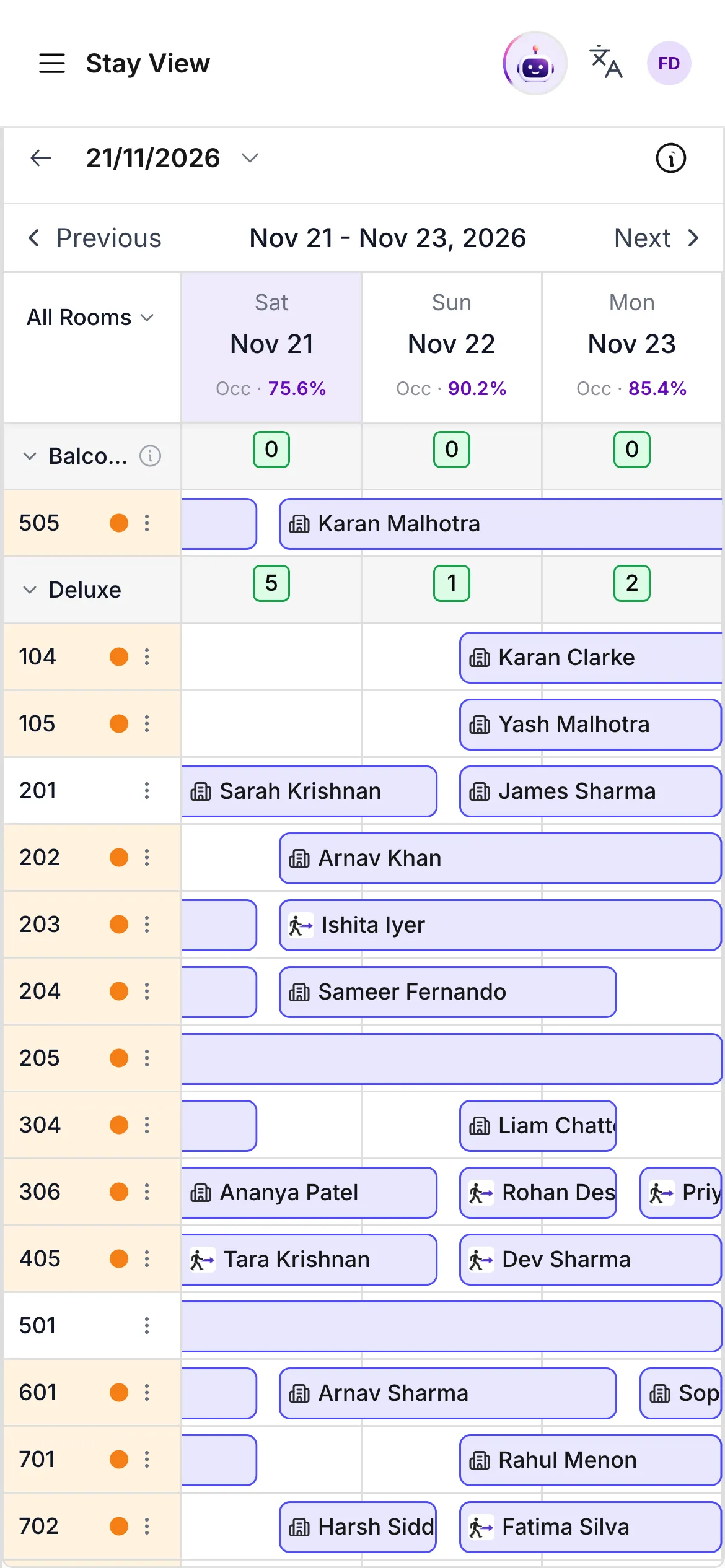
One bill for the whole stay
Room charges, food orders, add-ons and taxes land on the guest’s folio as they happen. Take a payment, add a charge or a discount, and check the guest out when the balance is clear.
- Rooms, food and taxes together
- Cash in, payment links and checkout
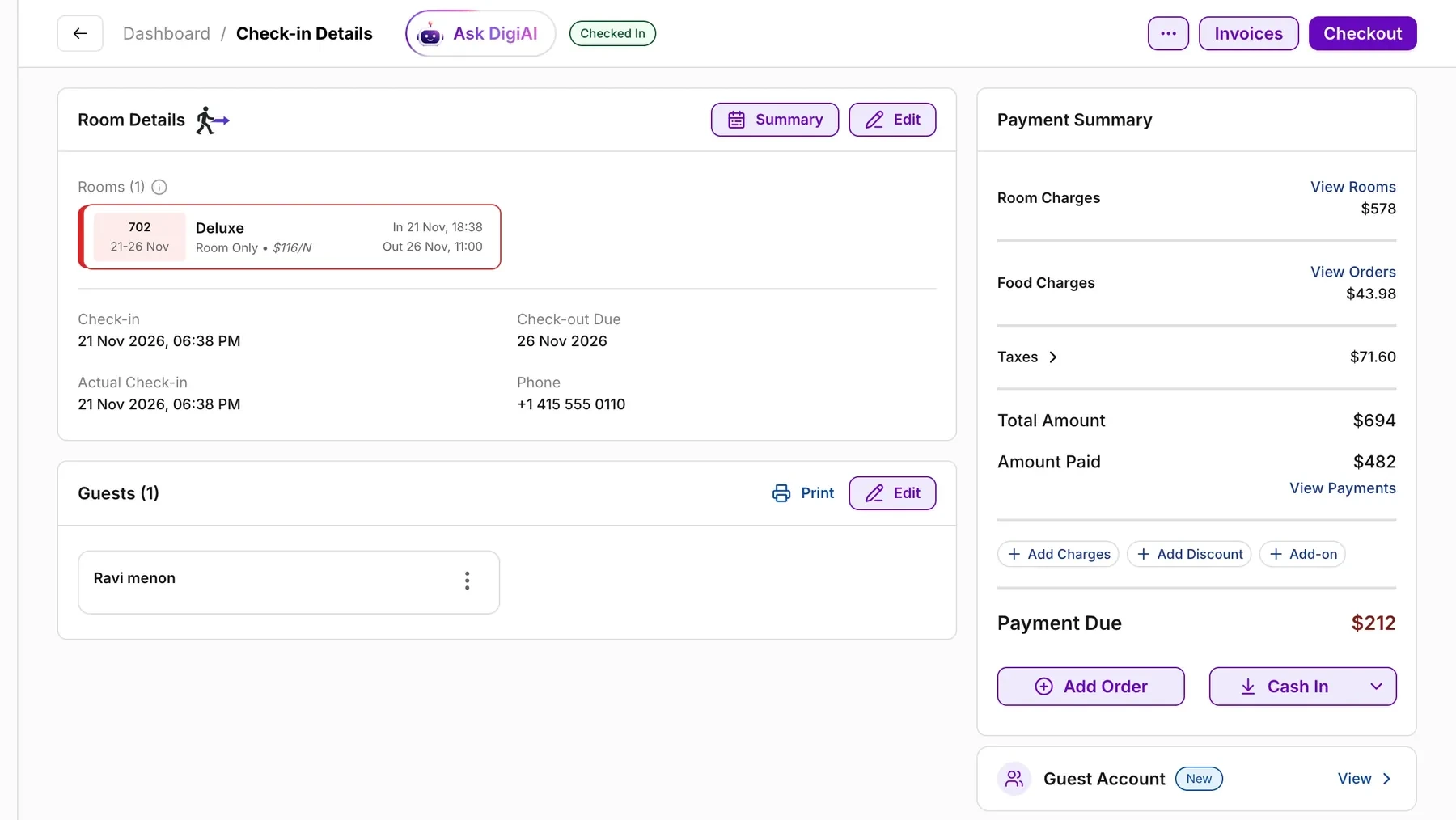
Banquets and events from the same desk
Every hall and lawn on one diary, by morning and evening. Hold a date, send the quotation with taxes, take the deposit and print the kitchen sheet, all from the front desk.
- Venue diary with holds and confirmed events
- Quotation, deposit and kitchen sheet
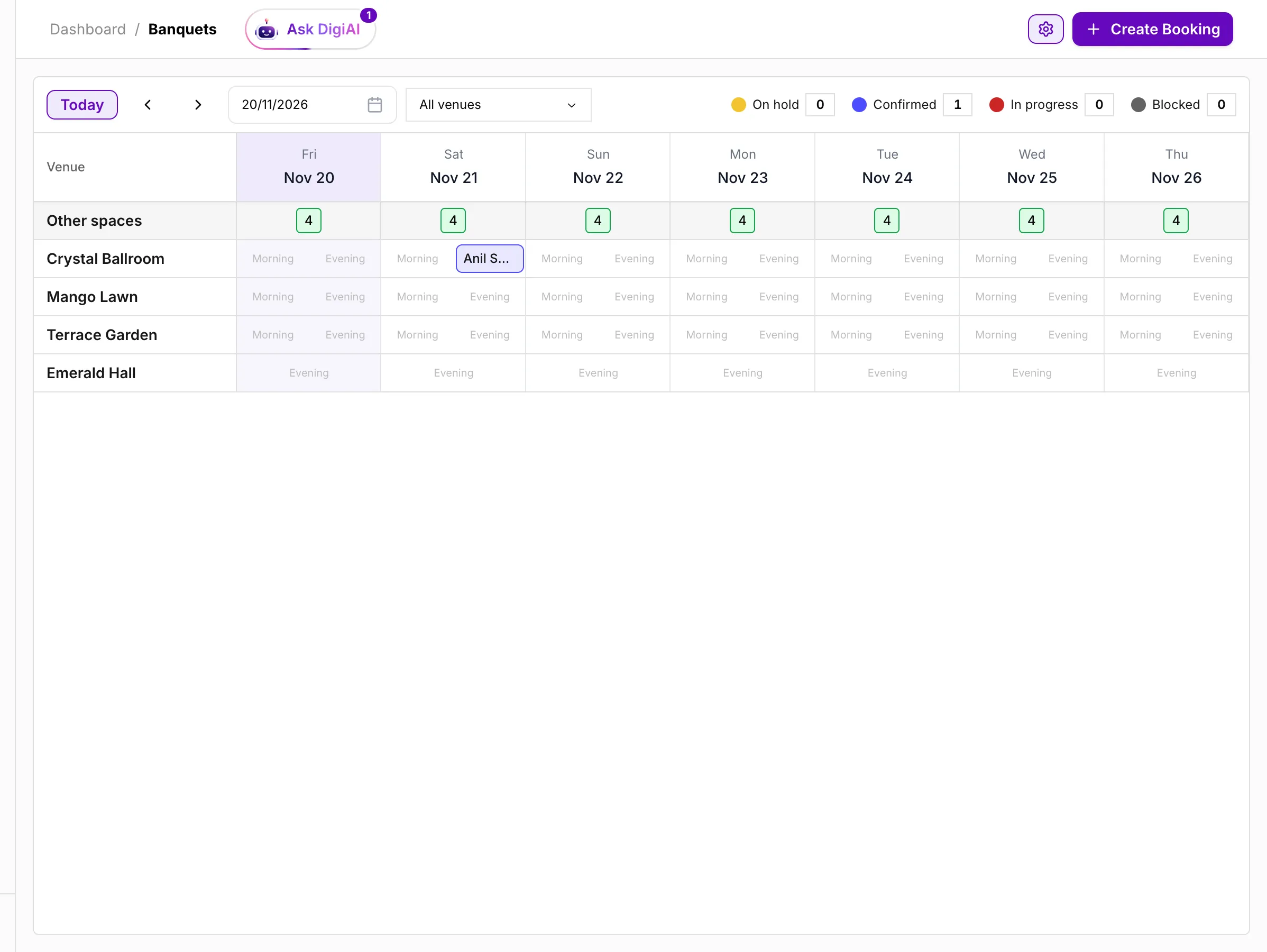
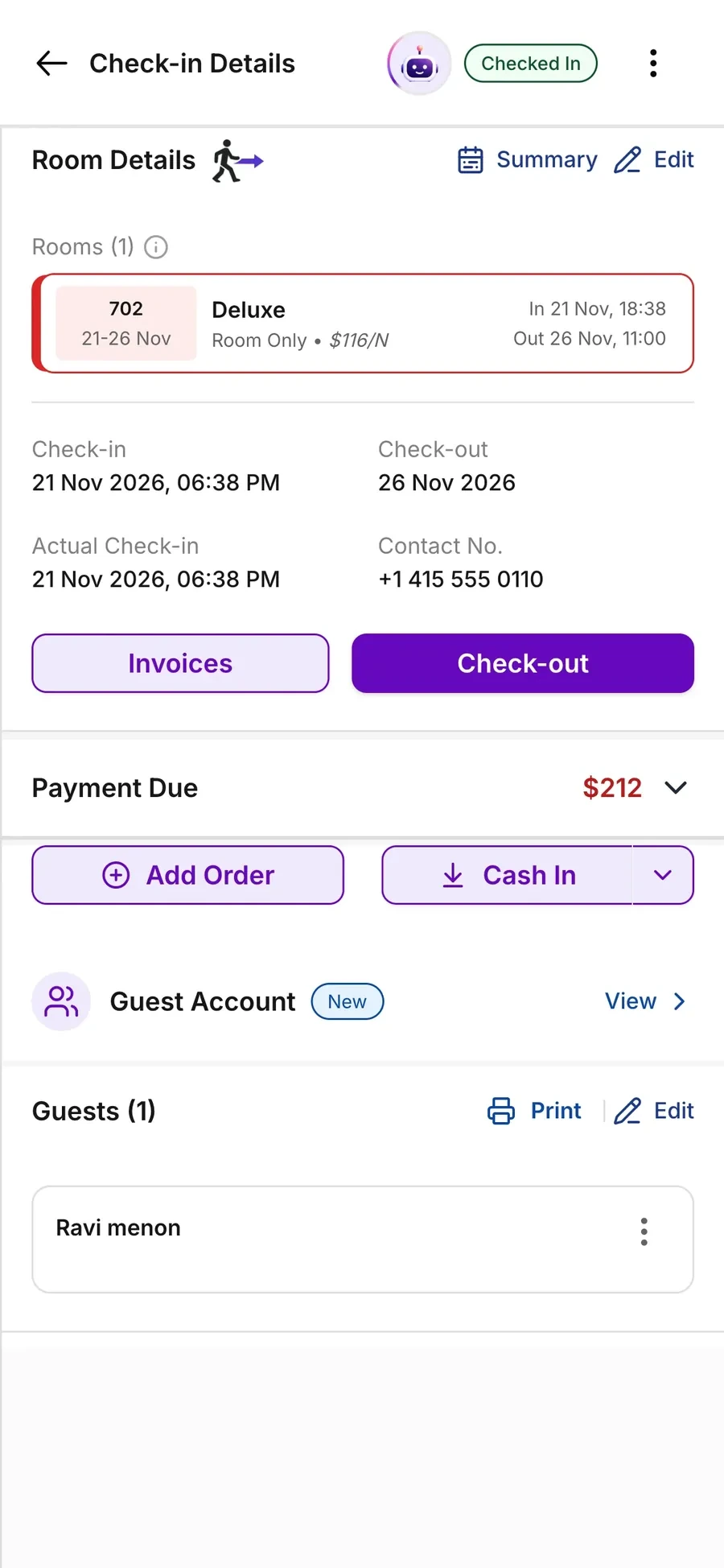
Run the desk from your phone
Room view, the stay and the bill work the same on any phone, so managers can check in, take a payment or approve a change from anywhere.
- The full front desk on the phone
- Same live data as the desk
What Front desk changes.
Typical results across properties on DigiStay. Every property is different.
What is hotel front desk software?
Hotel front desk software is the part of a property management system the reception team uses every day: room status, arrivals and departures, check-in and check-out, and the guest’s bill. It replaces paper registers and the spreadsheet of who is in which room.
What should a front desk system do?
Show every room’s live status, keep bookings from every source in one calendar, make check-in quick with ID scanning, and keep one accurate bill per stay. It should also work on a phone, because managers are not always at the desk.
What makes DigiStay front desk software different?
Room view, stay view, check-ins, food orders and payments share one record with your booking sites and invoices. Nothing is typed twice, the bill is right at checkout, and the night audit closes the day in one step.
Works with front desk.
Questions about front desk.
Does the front desk see bookings from every booking site?
Yes. Bookings from booking sites, your own website and phone calls land in the same stay view and check-in list.
How long does a check-in take?
About a minute at the desk. The ID scan fills in the guest details, and guests who checked in online are already waiting in Requests.
Can food orders go on the room bill?
Yes. Orders from the restaurant, the bar or room service post straight to the guest’s folio.
Does it work on a phone?
Yes. Room view, check-ins and the bill work on any phone with the same live data.
How does the day close?
The night audit walks you through open bills, due check-outs and arrivals, then closes the day and prepares the report.
See front desk on your own property.
A short call, with your own rooms and rates.