
Get paid before they arrive.
Send a payment link on WhatsApp for an advance or the balance, show a QR at the desk, or send a card link to guests anywhere. Every payment lands on the right booking and folio by itself.

What Payment links changes.
Typical results across properties on DigiStay. Every property is different.
Payment links, step by step.
A payment link for any booking
Open the booking, enter the amount, an advance or the balance, and add a short message. DigiStay creates the link and its QR code, ready to send on WhatsApp.
- Advance or balance
- Link and QR code together
Sent the moment they book
When a booking is made, the guest gets the check-in link on WhatsApp straight away, with a payment link if you want an advance. Nothing for the desk to send.
- Sent automatically on booking
- Payment link optional
A QR at the desk
Guest paying in person? Show a payment QR at the desk. They scan and pay, and the screen turns to Payment confirmed while they wait.
- Scan and pay with UPI or card
- Confirmed on screen
Card links for guests anywhere
Send a card payment link to guests paying from abroad. See every link with its status, copy it again, and spot any that need attention.
- Card payments from anywhere
- Every link and its status
Paid straight to the right folio
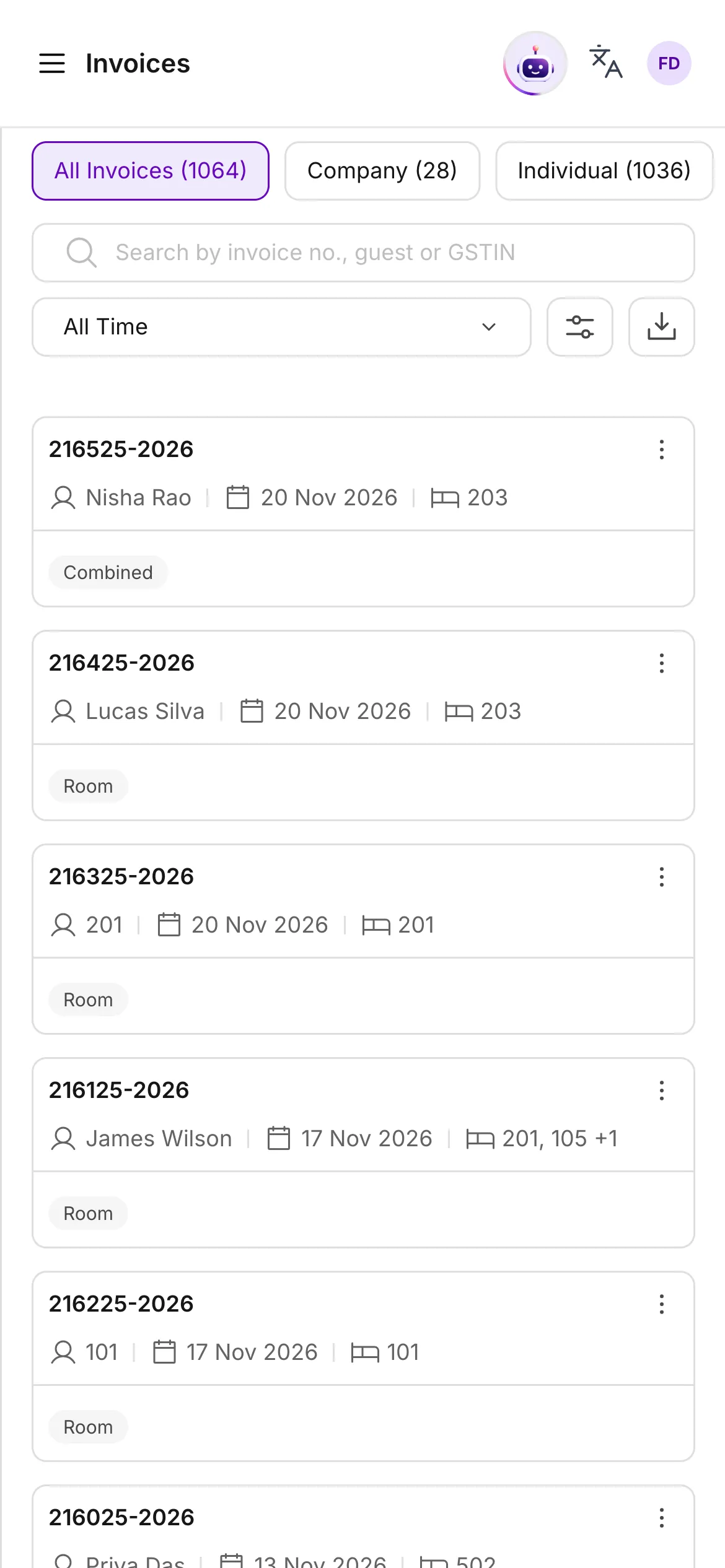
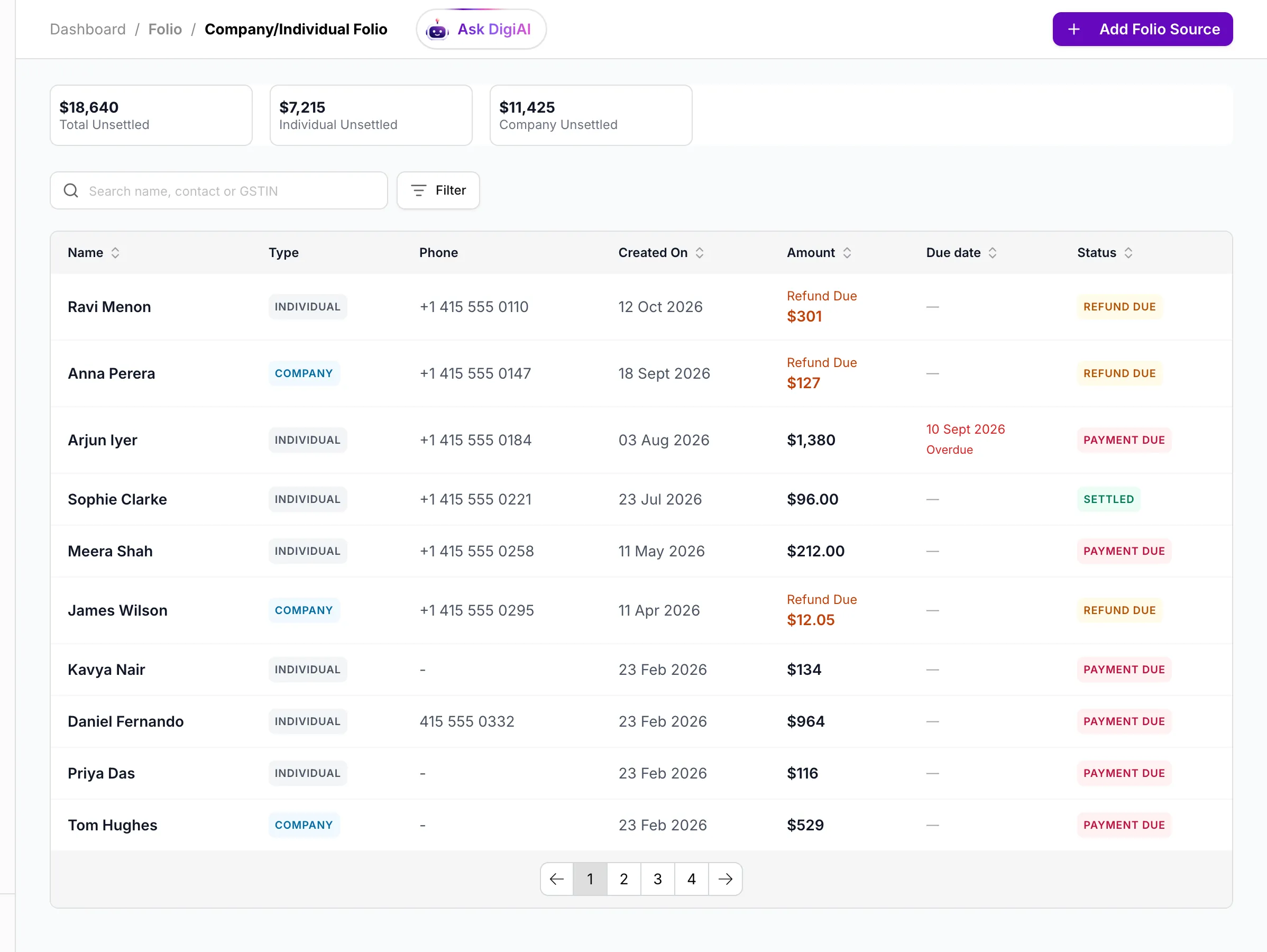
When the guest pays, the payment lands on the booking and its folio with the method and time. The balance updates by itself, with nothing to match by hand.
- Posted to the booking and folio
- Balance updated by itself
Reminders and refunds
Anything still owed gets a reminder on WhatsApp or by email in one tap. Refund a card payment back to the guest with a reason, from the same screen.
- Remind on WhatsApp or email
- Card refunds with a reason
Pairs well with Payment links.
Questions about Payment links.
Which payment methods can guests use?
UPI, cards and the other methods your payment account supports. Guests abroad can pay by card through a card payment link.
Can the payment link go out by itself?
Yes. When a booking is made, the guest gets the check-in link on WhatsApp, with a payment link if you want an advance.
Does the payment show on the booking?
Yes. It posts to the booking and its folio with the method and time, and the balance updates by itself.
Can guests pay at the desk without cash?
Yes. Show the payment QR at the desk. They scan and pay, and the screen confirms the payment.
Can I refund a card payment?
Yes. Refund it from the same screen and add a reason. The refund goes back to the guest’s card.
See payment links on your own property.
A short call, with your own rooms and rates.