
All your properties, one login.
See occupancy, revenue and arrivals across every property, then open any one of them, straight into its stay view, a new booking or its reports, without logging out.

What Multi-property changes.
Typical results across properties on DigiStay. Every property is different.
Multi-property, step by step.
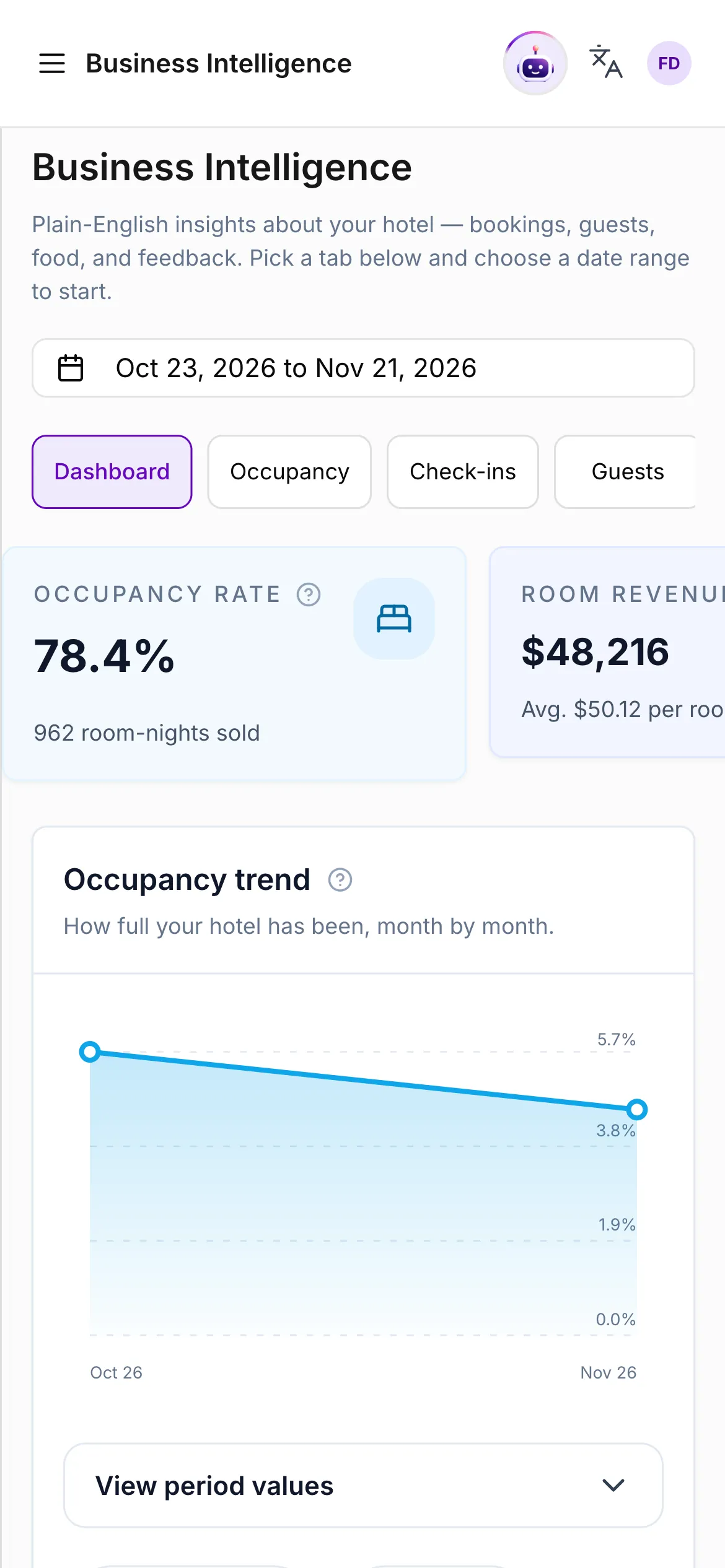
See every property at a glance
Occupancy, room revenue, ADR and RevPAR for the whole group, each one up or down against the period before, so you know where to look first.
- Occupancy, revenue, ADR and RevPAR
- Up or down against last period
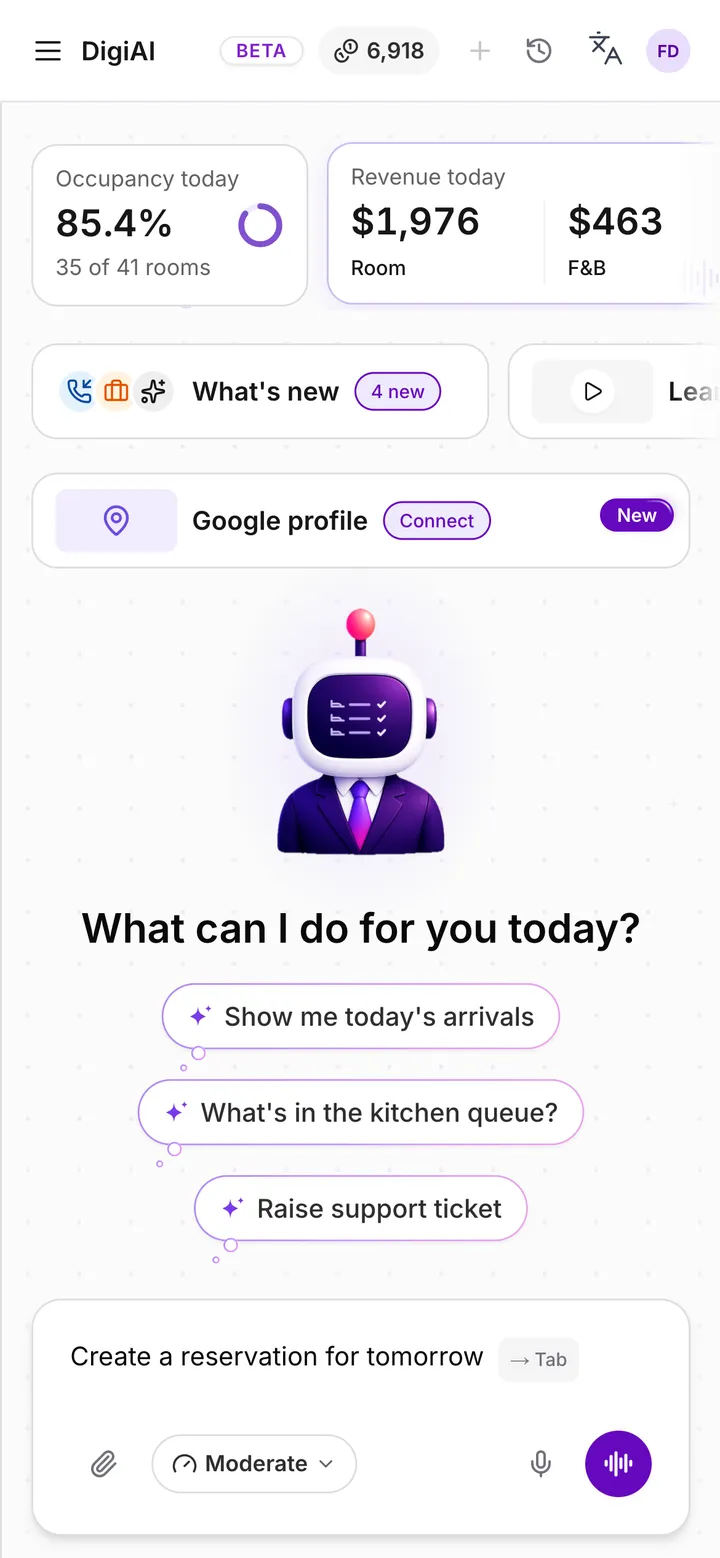
Open any property without logging in again
Pick a property from the list and jump straight into its stay view, a new booking or its reports. No separate password, no second login.
- Stay view, new booking or reports
- No separate password for each property
Compare properties side by side
Occupancy and revenue for every property on one list, so you see which one is ahead and which one needs attention today.
- Occupancy and revenue, property by property
- Ranked, so you see who is ahead
Rooms left across every property
Check how many rooms are left tonight at every property on one screen, before a guest calls to ask.
- Every property, one screen
- Sold-out nights spotted early
Overdue checkouts and arrivals, flagged
Overdue checkouts and pending arrivals surface by property, so nothing waits for someone to notice at the desk.
- Overdue checkouts and pending arrivals
- Flagged by property, not buried
Where every booking is coming from
See bookings by channel, OTA, your booking engine, walk-ins and direct, across every property in one view.
- OTA, booking engine, walk-in and direct
- One view for every property
Ask the whole portfolio a question
Ask a plain question and get an answer that covers every property, not just the one you happen to have open.
- One question, every property checked
- Plain English, same as DigiAI
Pairs well with Multi-property.
Questions about Multi-property.
Can each property have its own tax and currency?
Yes. Each property keeps its own rooms, rates, taxes and currency.
Can I limit what staff see?
Yes. Role-based access decides who sees which property and which screens.
Can I open a property’s booking screen straight from here?
Yes. Pick a property and jump straight to its stay view, a new booking or its reports, without a separate login.
Can I compare properties against each other?
Yes. Occupancy and revenue sit side by side for every property, ranked so you see who is ahead.
Can I ask a question across every property at once?
Yes. Ask a plain question and get an answer that covers the whole portfolio, not just one property.
See multi-property on your own property.
A short call, with your own rooms and rates.