
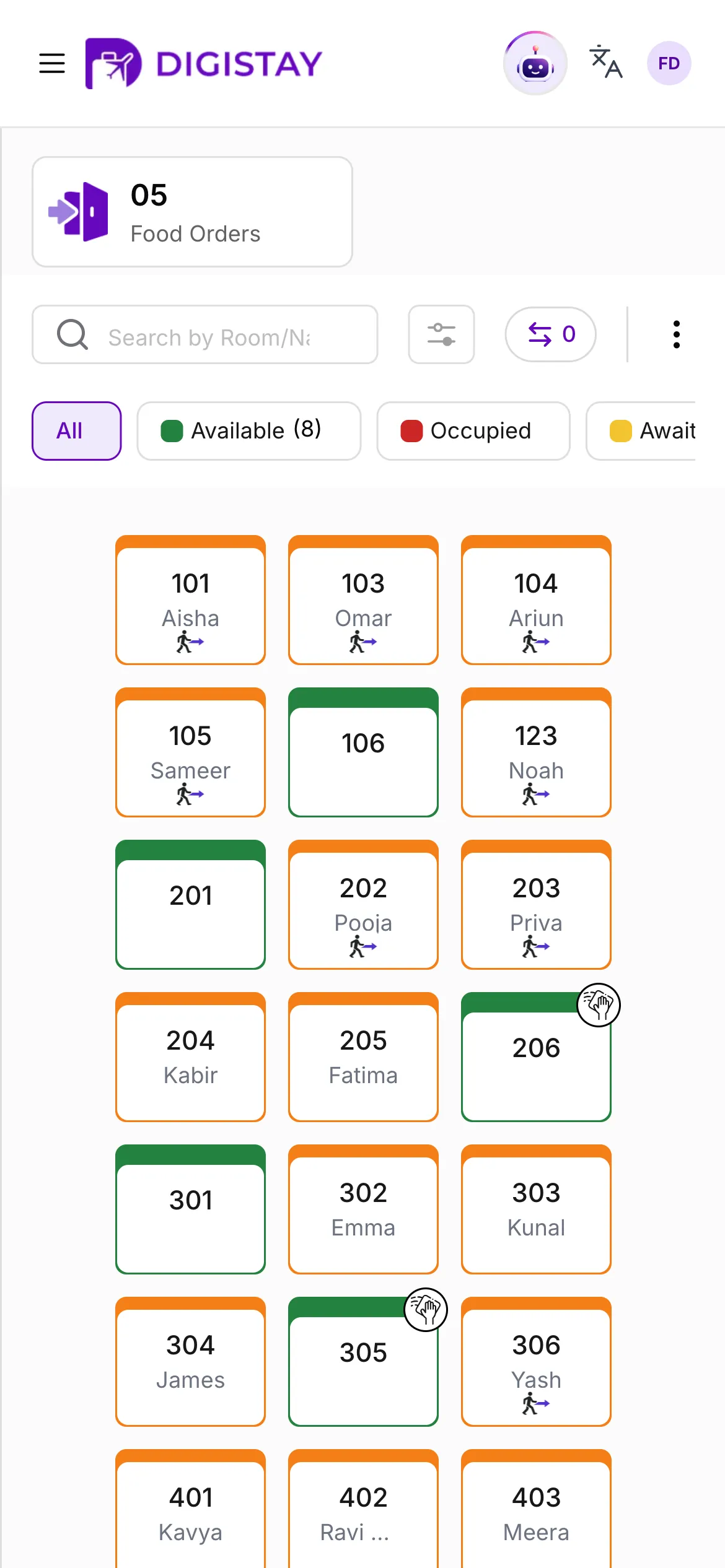
Every room’s status, live.
Checkout sends the room to housekeeping by itself. Staff see the rooms to clean on their phone, mark them clean in one tap, and the front desk sees them ready to sell. Maintenance takes a room off sale for any reason.

What Housekeeping changes.
Typical results across properties on DigiStay. Every property is different.
Housekeeping, step by step.
Checkout sends the room to housekeeping
Check a guest out and the room goes on the housekeeping list by itself, with the hand icon on every screen. Nobody has to call or write it down.
- Automatic on checkout
- Shown on every screen
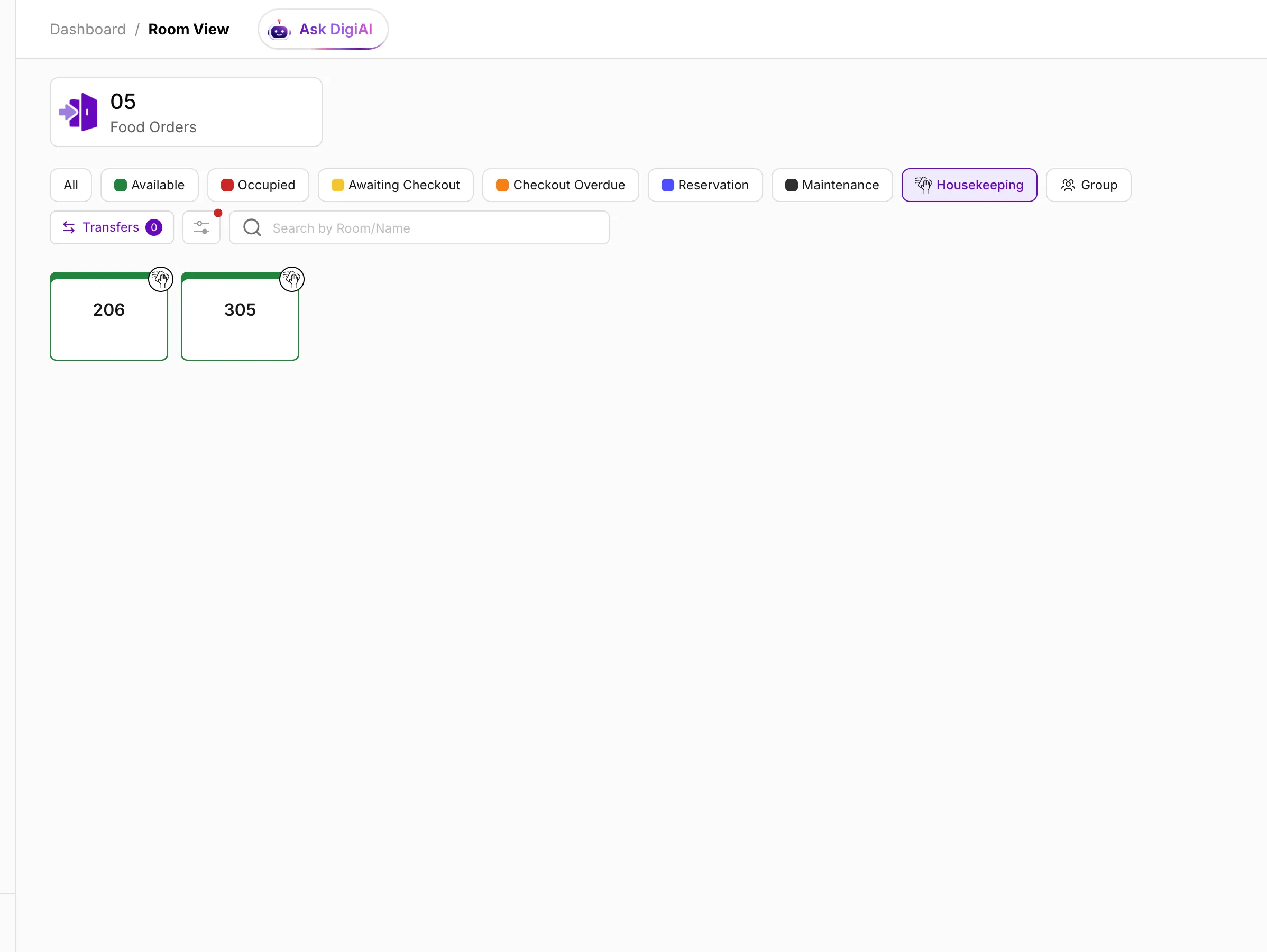
One tap shows what to clean
Tap Housekeeping and only the rooms waiting to be cleaned stay on screen, with a live count, so the team knows where to go next.
- Filter to rooms to clean
- Live count
Mark clean from the phone
Housekeeping staff see the rooms to clean on their own phone. One tap marks a room clean, and the front desk sees it ready to sell straight away.
- Rooms to clean on every phone
- Ready to sell the moment it is clean
Ready rooms first when you assign
When the desk assigns a room, it sees which rooms are clean, which are still being cleaned and which are under maintenance, so no guest gets a room that is not ready.
- Clean rooms shown first
- No guest sent to a dirty room
Maintenance takes a room off sale
A broken AC, a leak or a deep clean: set the room to Maintenance with a reason and it is blocked from sale until you set it back.
- Block a room for any reason
- Back on sale in one tap
A housekeeping login for your team
Give housekeeping staff their own login. They see rooms and status, and nothing else: no bills, no guest payments, no reservations.
- Only rooms and status
- Your choice of permissions
Pairs well with Housekeeping.
Questions about Housekeeping.
Does a room go to housekeeping by itself at checkout?
Yes. The moment a guest is checked out, the room is marked for cleaning and shows on every screen.
Can housekeeping staff use their own phones?
Yes. They sign in to the DigiStay app with a housekeeping login, see the rooms to clean and mark them clean.
How do I take a room off sale for repairs?
Set it to Maintenance with a reason. It is blocked from sale until you set it back.
Does the front desk see updates straight away?
Yes. When a room is marked clean or put under maintenance, every screen updates at once.
Can housekeeping staff see bills or guest payments?
No. The housekeeping role only sees what you allow, usually rooms and their status.
See housekeeping on your own property.
A short call, with your own rooms and rates.