
Rates that think ahead, inside your limits.
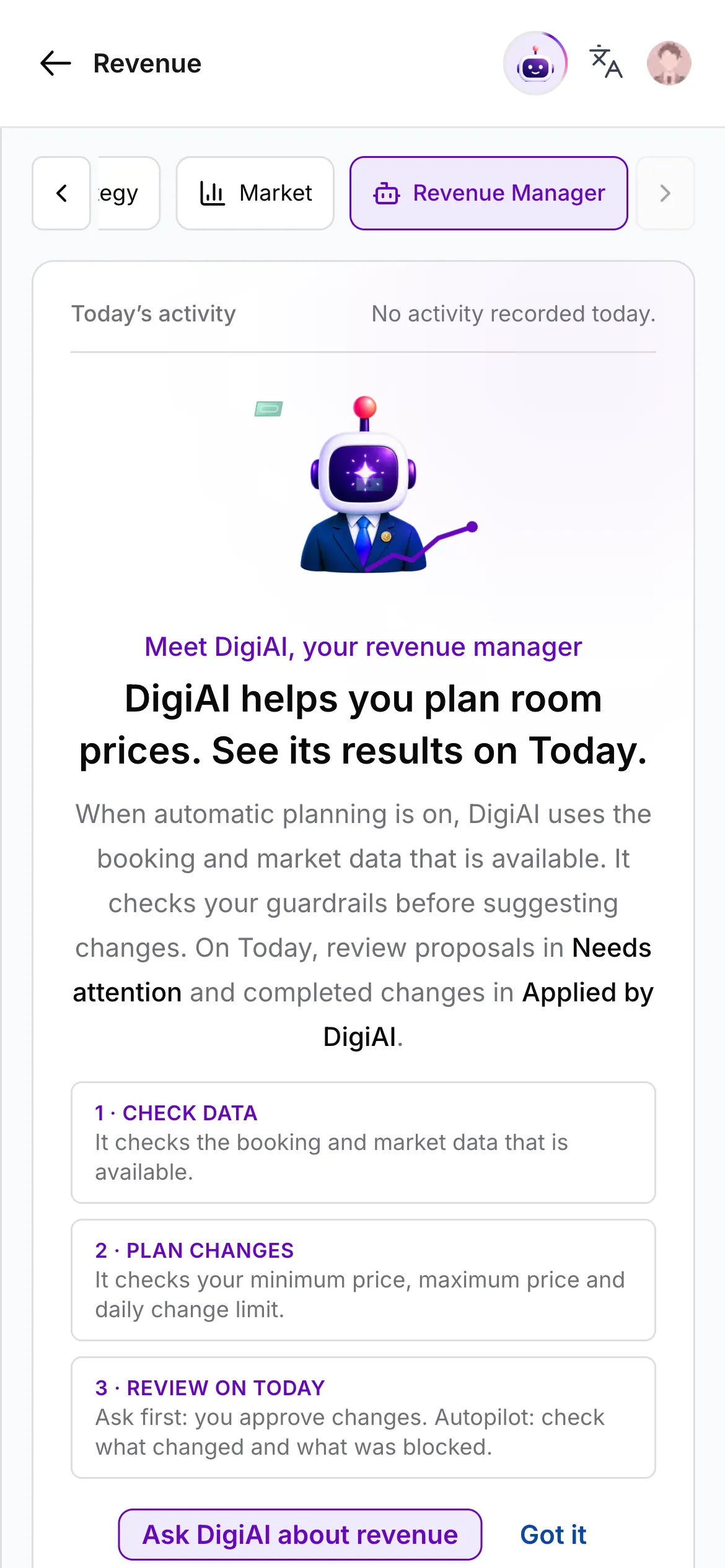
A plan for every month, nearby hotels’ prices checked every week and a forecast for the nights ahead. The AI revenue manager suggests the right rate for every room, and only changes prices inside the limits you set.
Every change is explained, and one tap undoes it.
What AI revenue manager changes.
Typical results across properties on DigiStay. Every property is different.
AI revenue manager, step by step.
A plan for the month ahead
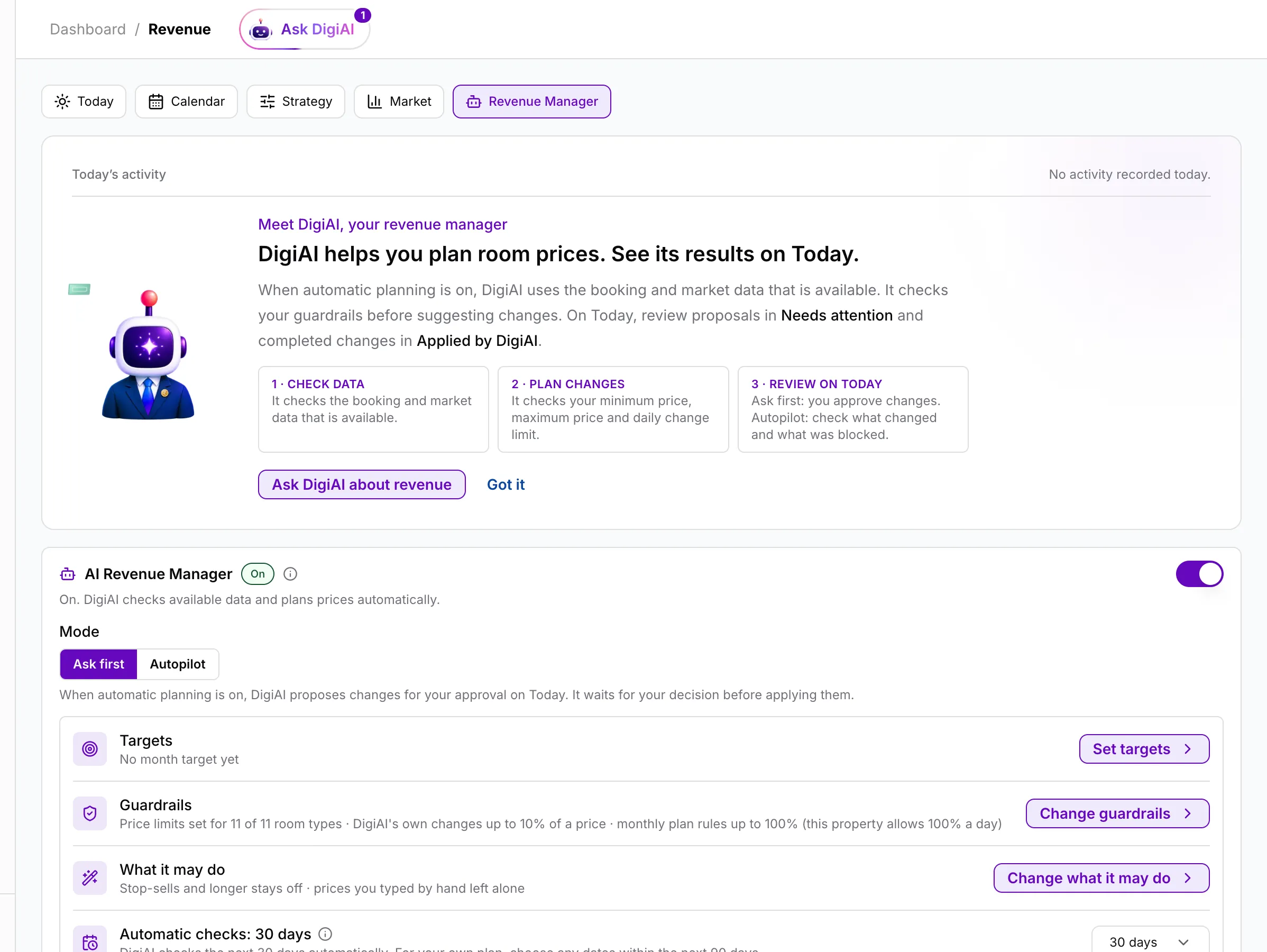
Each month DigiAI writes a plan with a target occupancy and rate and up to eight key dates, such as festivals and weather. Accept it and it becomes your pricing rules. Drafting changes nothing.
- Targets and key dates
- Accepting the plan creates rules
Ask first or Autopilot
In Ask first, every price change waits for your yes. In Autopilot, it applies changes for the next 30 days on its own, inside your limits.
- Your choice of mode
- Checks the next 30 days
Guardrails you set
Set a minimum and maximum price per room type and cap how much a price can move in a day. Prices you type by hand are left alone, and rooms are never closed unless you allow it.
- Floor and ceiling per room type
- Daily change cap
Nearby hotels, checked every week
Pick the hotels you compete with and see their prices from Google Hotels every week, the market price, and whether you sit below, within 3% or above it.
- Comp set from Google Hotels
- Your position in the market
Pace and forecast
See occupancy, ADR and RevPAR against last year, booked and cancelled nights, and a forecast for the next 14 nights.
- Pace against last year
- 14-night forecast
Every change explained, one tap to undo
Each applied run shows what changed and why. Changed your mind? Undo the whole run in one tap.
- Reason with every change
- Undo a run in one tap
Rules for the patterns you know
Add rules for lead time, seasons, weekends, gap nights and dates far out, for any room type and booking site.
- Lead time, seasons, weekends
- Gap nights and far-out dates
Pairs well with AI revenue manager.
Questions about AI revenue manager.
What is an AI revenue manager for hotels?
It suggests the right rate for every room and night from your bookings, your pace, local events and nearby hotels’ prices, and applies changes within the limits you set.
Will it change my prices without asking?
Only in Autopilot. In Ask first, every change waits for your yes. Either way it stays inside your minimum, maximum and daily change limits.
Where do competitor prices come from?
From Google Hotels, checked every week for the hotels you choose.
Can I undo a change?
Yes. Every applied run is listed with its reasons, and you can undo it in one tap.
Does it work with my booking sites?
Yes. Approved prices go out to every connected booking site through the built-in channel manager.
See AI revenue manager on your own property.
A short call, with your own rooms and rates.